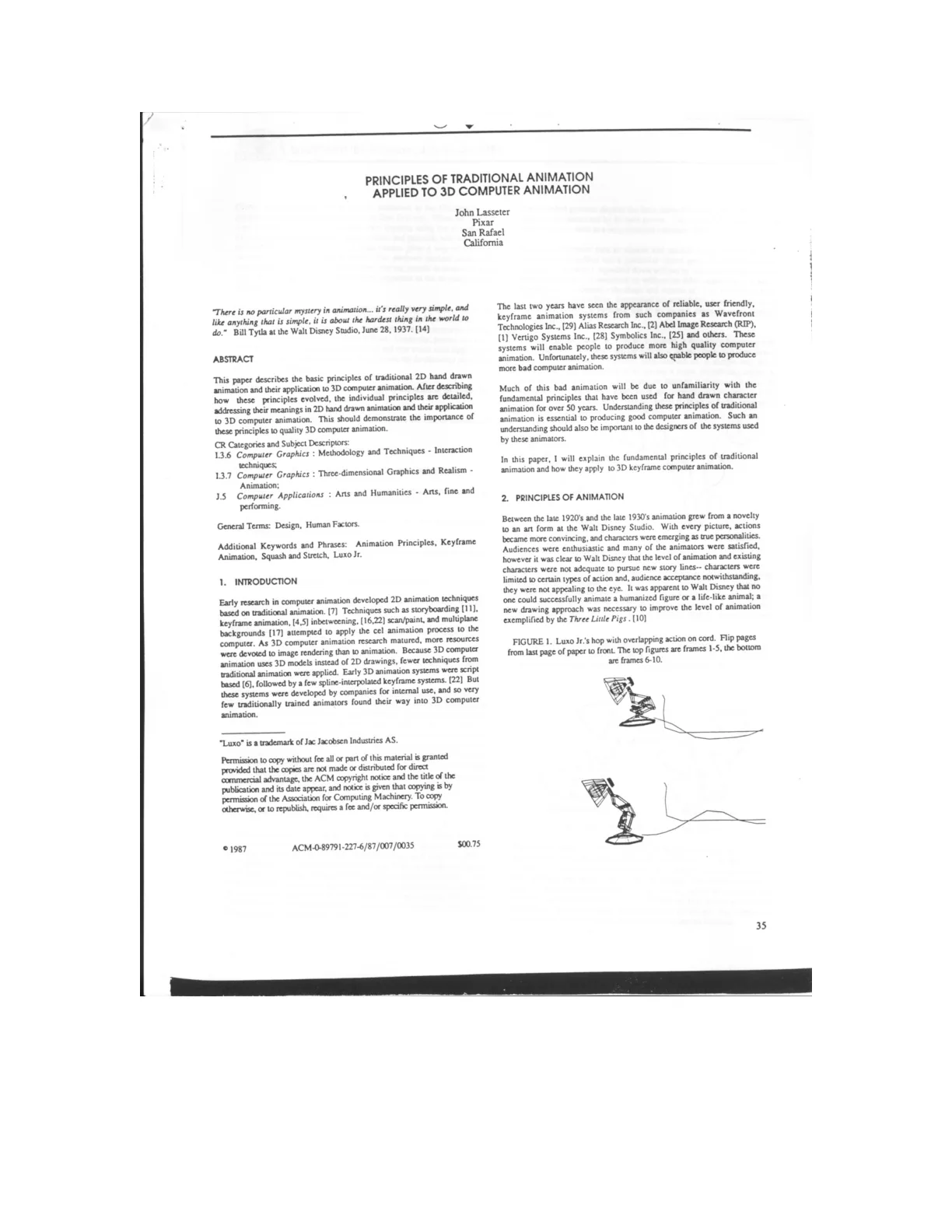
Introduces John Lasseter’s Pixar paper on applying traditional 2D hand-drawn animation principles to 3D computer animation.
Outlines the paper’s approach: tracing the principles’ evolution, explaining their meanings in 2D, and showing their applications in 3D.
Emphasizes the importance of these principles for high-quality 3D animation, opening with Bill Tyla’s observation that animation is simple yet difficult to master.
Lists research classifications and keywords, including computer graphics, keyframe animation, squash and stretch, and Luxo Jr.
Traditional Principles, Digital Animation
Early 2D computer animation adapted traditional techniques such as storyboarding and inbetweening, while 3D research prioritized rendering and adopted fewer lessons from hand-drawn animation.
Early 3D animation systems were largely proprietary and script-based, limiting participation by traditionally trained animators.
The emergence of reliable, user-friendly keyframe systems made computer animation more accessible, but also increased the potential for poor-quality work.
The author argues that traditional animation principles are essential to good 3D character animation and should inform both animators and software designers.
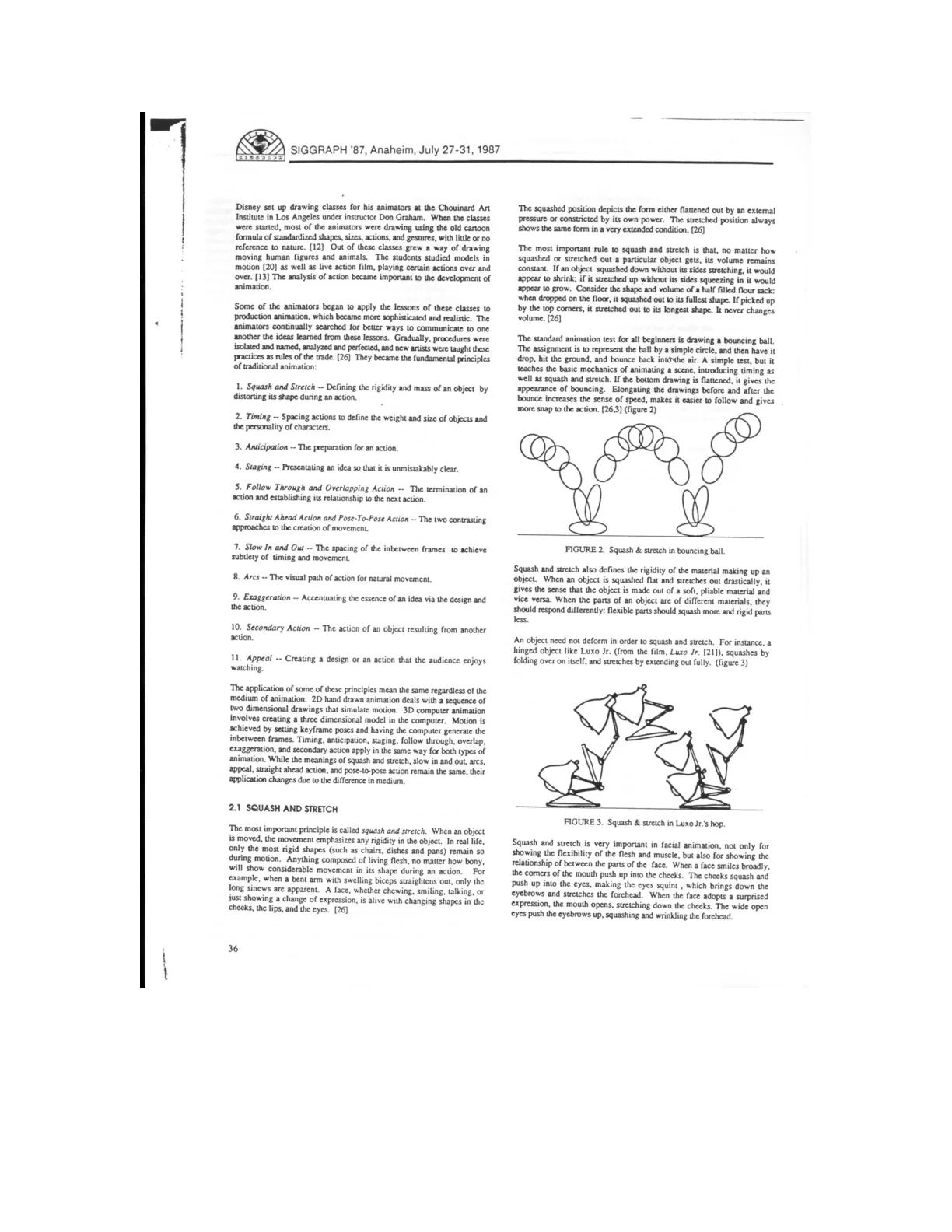
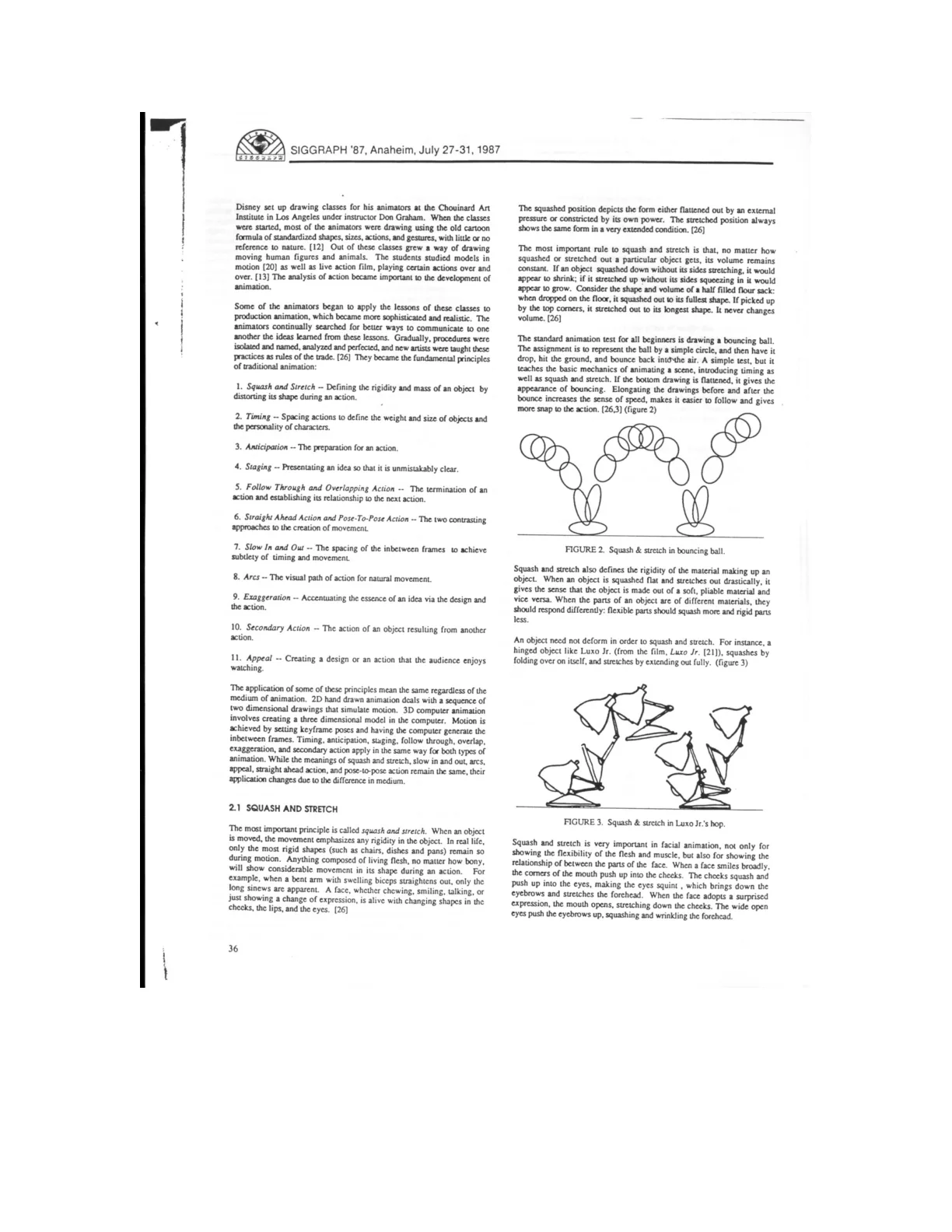
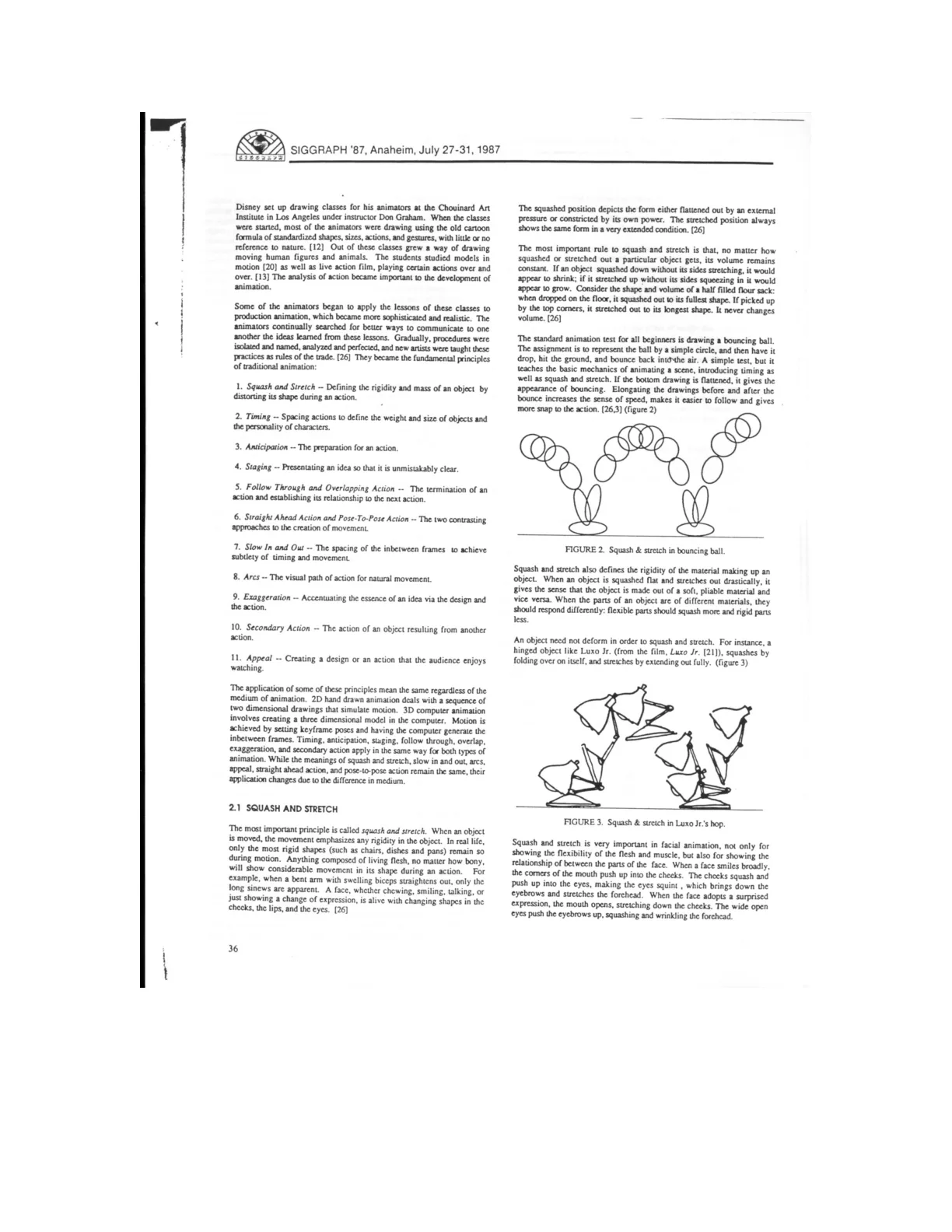
Disney’s pursuit of more convincing, appealing characters led to drawing classes with Don Graham, where studying nature, moving models, and live-action footage helped animators move beyond standardized cartoon formulas.
Unfortunately, these systems will also enable people to produce
more bad computer animation.
DrawingFigure
Principles of Animated Motion
Animators refined their discoveries into eleven fundamental principles, creating a shared vocabulary and practical rules for teaching convincing movement.
Many principles—including timing, anticipation, staging, and exaggeration—apply equally to hand-drawn and computer animation, while others require medium-specific techniques.
Squash and stretch communicates an object's rigidity and mass through changes in shape, reflecting how living bodies deform during movement and expression.
Maintaining constant volume is essential: flattening must be balanced by widening, and elongation by narrowing, so an object does not appear to shrink or grow.
The beginner's bouncing-ball exercise teaches both timing and squash and stretch, demonstrating how simple changes in shape can make motion feel convincing.
A face, whether chewing, smiling, talking, or
just showing a change of expression, is alive with changing shapes in the
cheeks, the lips, and the eyes.
Figure
Shaping Motion and Timing
Squash and stretch makes motion clearer and more energetic while communicating material properties: flexible parts deform more than rigid ones.
Objects can squash and stretch without deforming their materials; a hinged character such as Luxo Jr. achieves these effects by folding and extending.
Facial squash and stretch links neighboring features, making smiles and expressions of surprise feel physically connected and expressive.
Stretching fast-moving objects until their successive positions overlap can reduce strobing when realistic motion blur is unavailable.
In 3D keyframe animation, squash and stretch uses coordinated scaling to preserve volume, with rotation aligning the stretch to the motion path.
Timing communicates weight, size, and emotion while controlling readability; anticipation, action, and reaction must last long enough to register without losing the audience’s attention.
If too little time is spent, the movement may be finished before the audience notices it,
thus wasting the idea.
FigureFigure
Timing Shapes Animated Meaning
Timing establishes an object's apparent weight: heavy objects need more time and force to start, stop, or change direction, while light objects accelerate easily and lose momentum quickly.
Movement speed also conveys scale, with giants moving slowly because of their greater inertia and tiny characters tending to move quickly.
Convincing weight depends on the spacing of animated poses rather than their appearance; even a beautifully rendered object fails if it does not move appropriately.
Timing communicates emotion and intent: the same two head poses can suggest a violent impact, a nervous twitch, a command, curiosity, or thoughtful appraisal simply by changing the number of inbetween drawings.
Anticipation is introduced as the preparation phase of an action, preceding the action itself and its termination.
No matter how well rendered a cannonball may be, it does not
look like a cannonball if it does not behave like one when animated.
FigureFigure
Anticipation and Clear Staging
Anticipatory movements make actions feel natural while preparing viewers to understand what a character will do next.
Anticipation directs attention to the right part of the screen, helping audiences notice important actions before they occur.
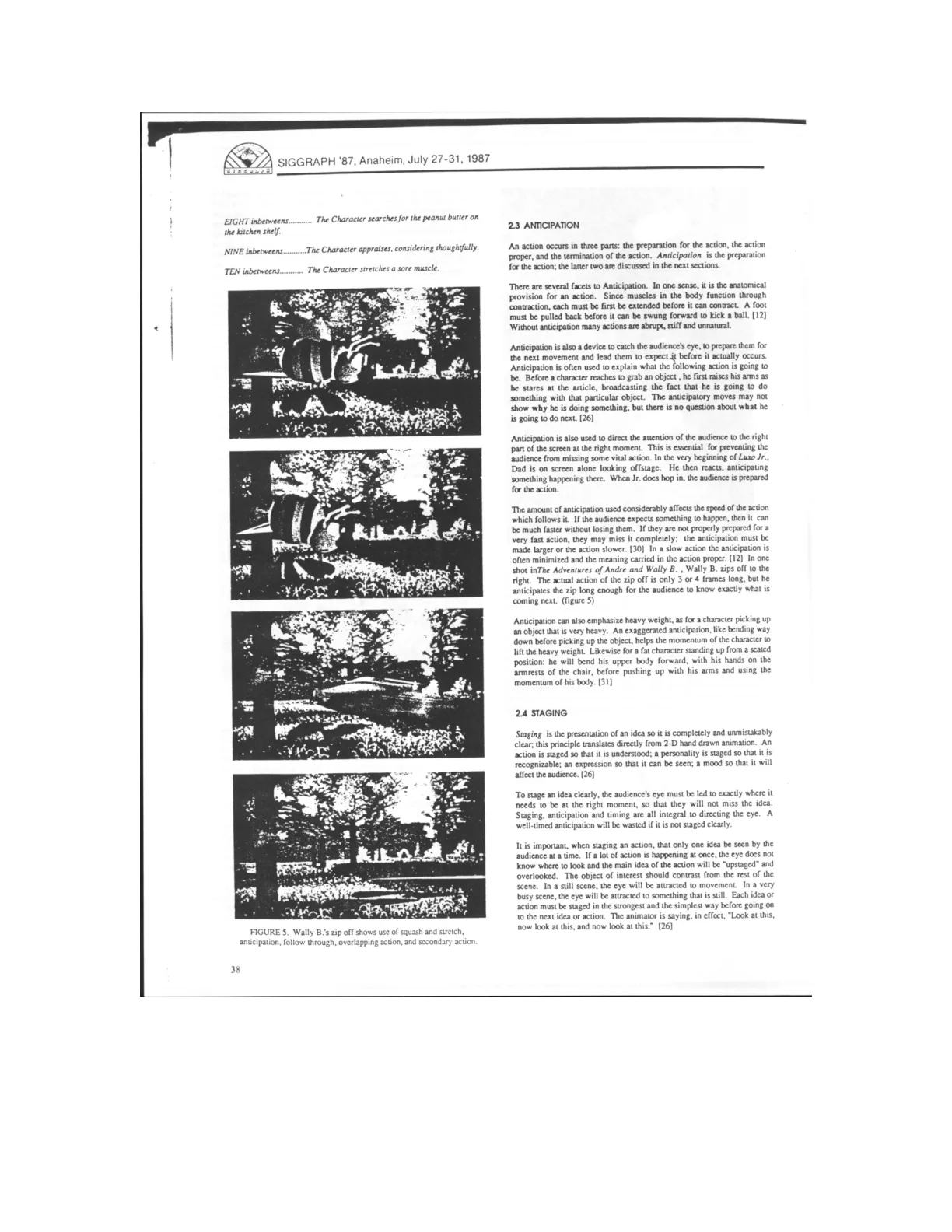
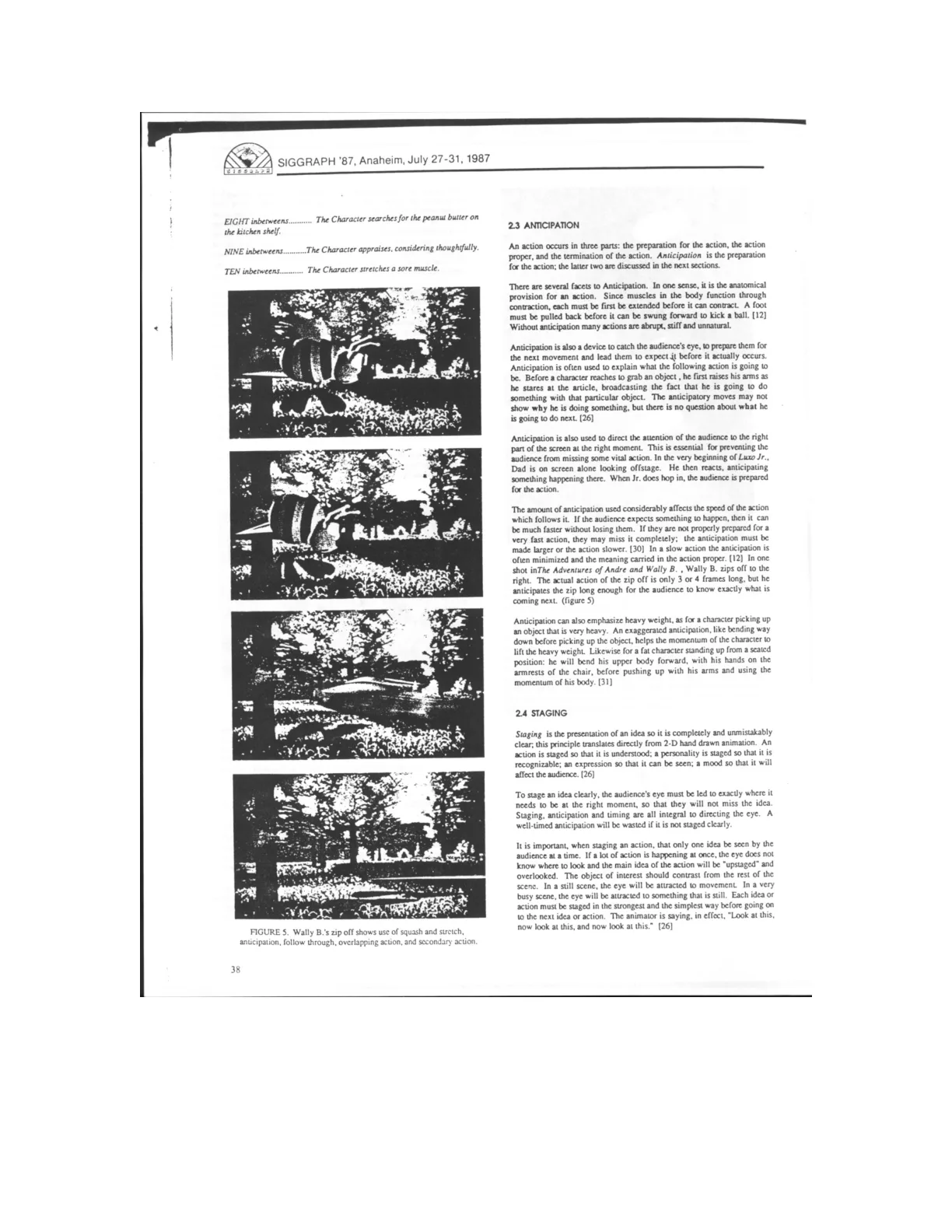
The faster an action is, the more preparation viewers may need; sufficient anticipation makes even a movement lasting only three or four frames readable.
Exaggerated preparation can convey weight and effort, such as bending deeply before lifting a heavy object or leaning forward before standing up.
Staging makes actions, personalities, expressions, and moods unmistakably clear by coordinating visual presentation with anticipation and timing.
Effective staging presents one main idea at a time and uses contrast to guide attention: movement stands out in a still scene, while stillness stands out in a busy one.
The animator is saying, in effect, "Look at this,
now look at this, and now look at this."
FigureFigure
Staging and Overlapping Motion
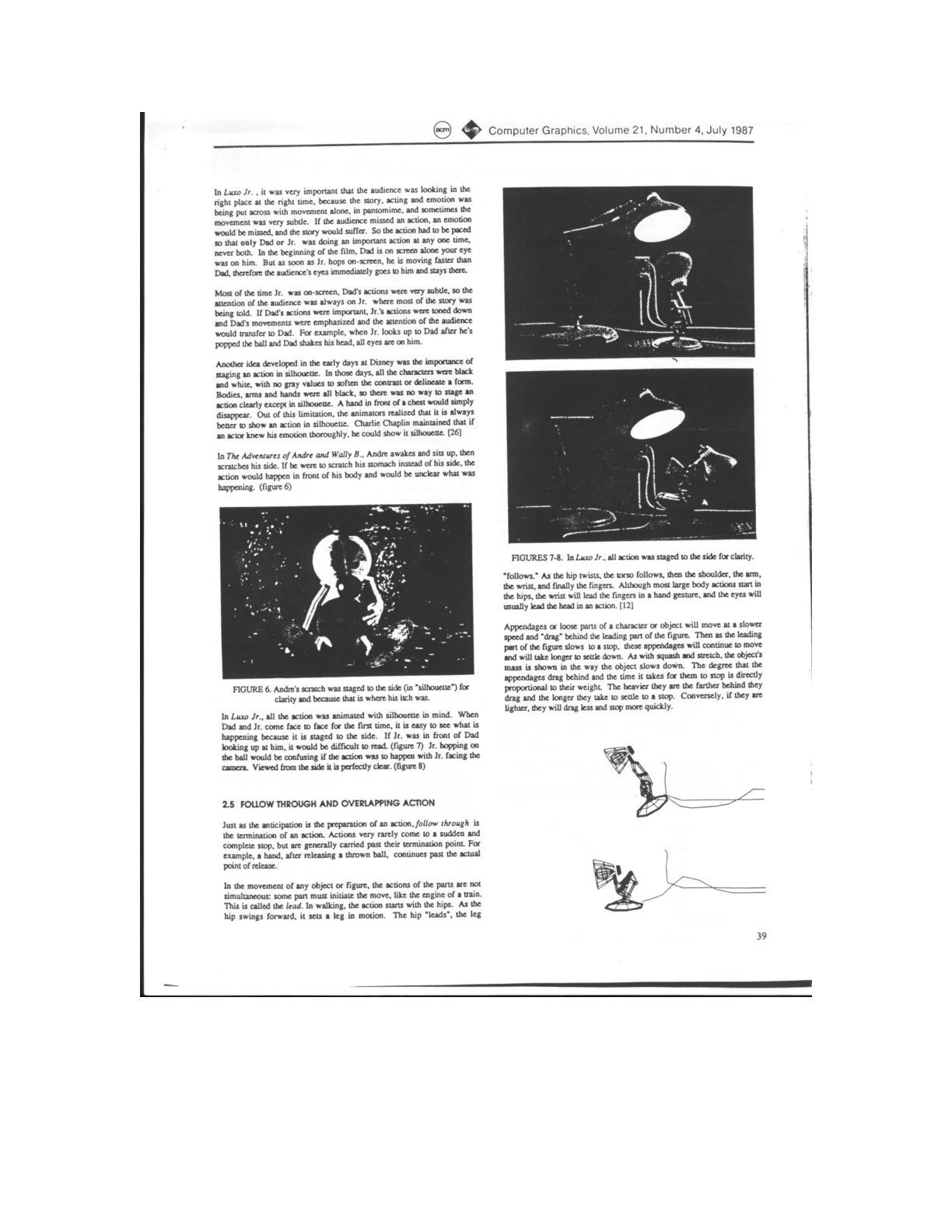
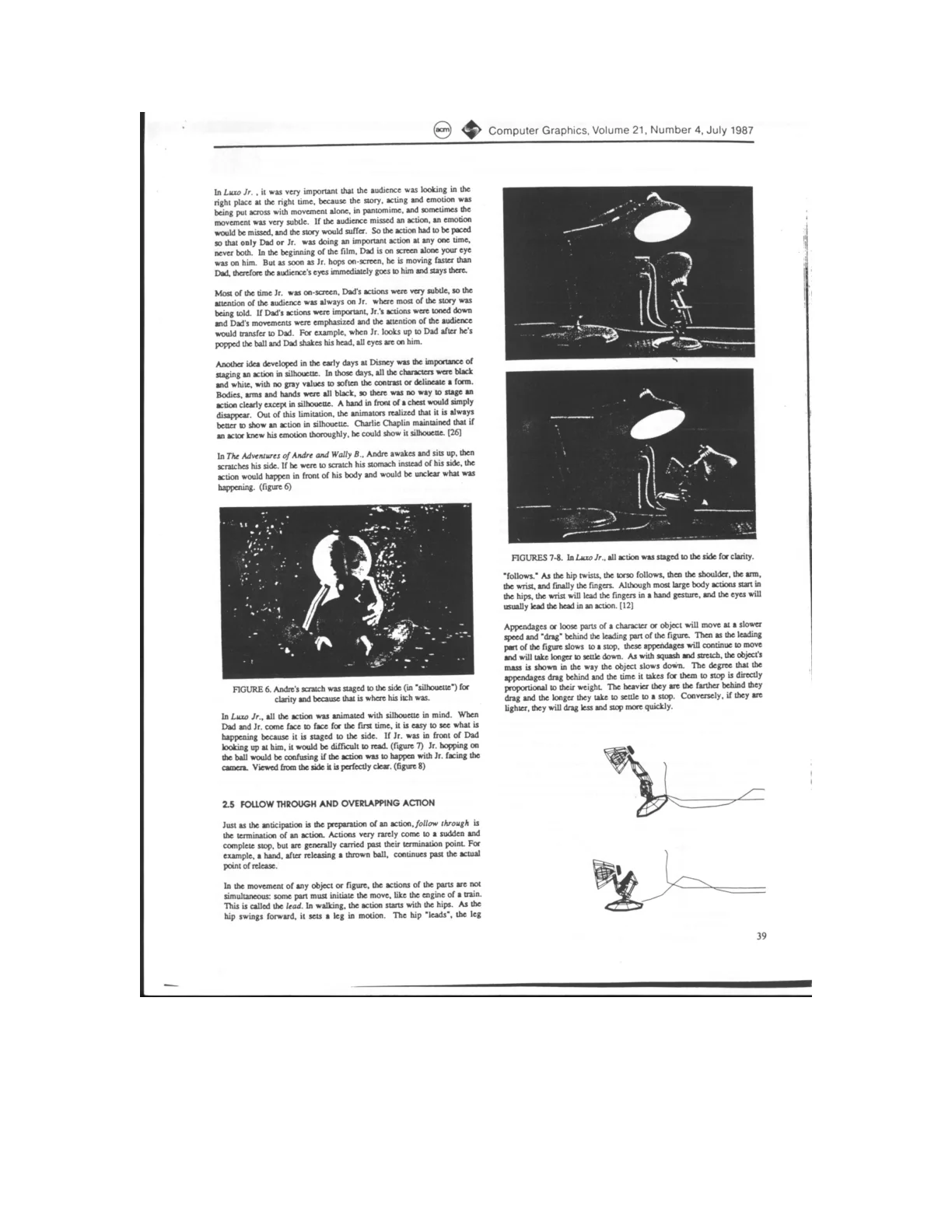
Clear staging directs the audience toward one important action at a time; in Luxo Jr., the lamps alternate between prominent and subtle movements to guide attention.
Staging actions in silhouette makes gestures easier to read. Originally a solution to the limitations of black-and-white animation, this principle remains useful for visual clarity.
Side views clarify actions such as Andre scratching himself or Jr. hopping on a ball, which could become ambiguous if performed in front of the body or facing the camera.
Follow through means that movement continues beyond an action’s main endpoint, as a throwing hand keeps moving after releasing the ball.
Overlapping action gives different body parts distinct timing: one part leads, others follow or drag, and loose appendages settle later. The amount of lag and settling time conveys their weight.
A hand in front of a chest would simply
disappear.
FigureDiagram
Overlap and Animation Approaches
Follow-through communicates material and mass: Wally B.’s light antennae lag slightly, while his heavy, flexible feet trail far behind with pronounced squash and stretch.
Small differences in the timing of loose parts create overlapping action, making movement feel more natural and engaging even when those differences are barely perceptible.
Overlapping successive actions preserves narrative flow and suggests that a character is carrying out a coherent intention rather than stopping to plan every movement.
Straight-ahead animation develops drawings sequentially, encouraging spontaneous, inventive movement suited to wild or scrambling actions.
Pose-to-pose animation plans key poses and then fills in intermediate drawings, supporting performances where acting and timing are crucial; computer keyframe animation follows a similar approach but presents additional challenges in controlling inbetweens.
They were even left on screen frames after the body had disappeared.
Diagram
Layered Animation and Timing
Animating complete poses can produce incorrect motion paths and intersecting objects, requiring extensive reworking of the inbetween frames.
A layered approach animates individual transformations down a model’s hierarchy, starting at the trunk; different translations, rotations, and scales can have different numbers and timings of keyframes.
Using fewer keyframes makes interpolation more important, while spline tension and direction controls help shape spacing and achieve slow in and slow out. Careful advance planning keeps the action readable even in early layers.
Luxo Jr.’s hop was built in stages: horizontal movement established timing, vertical movement established height, and detailed arm, base, and shade rotations supplied anticipation, squash and stretch, and follow-through.
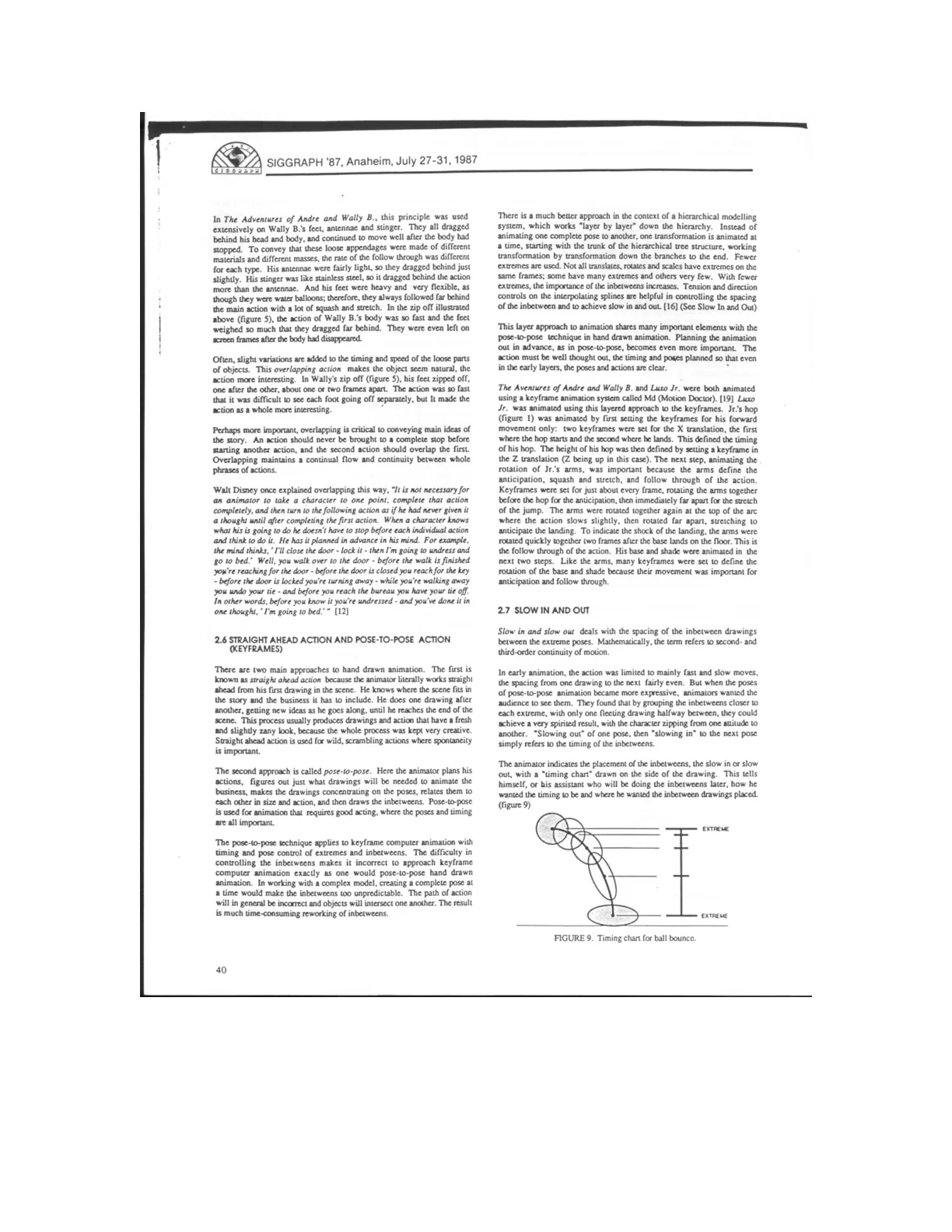
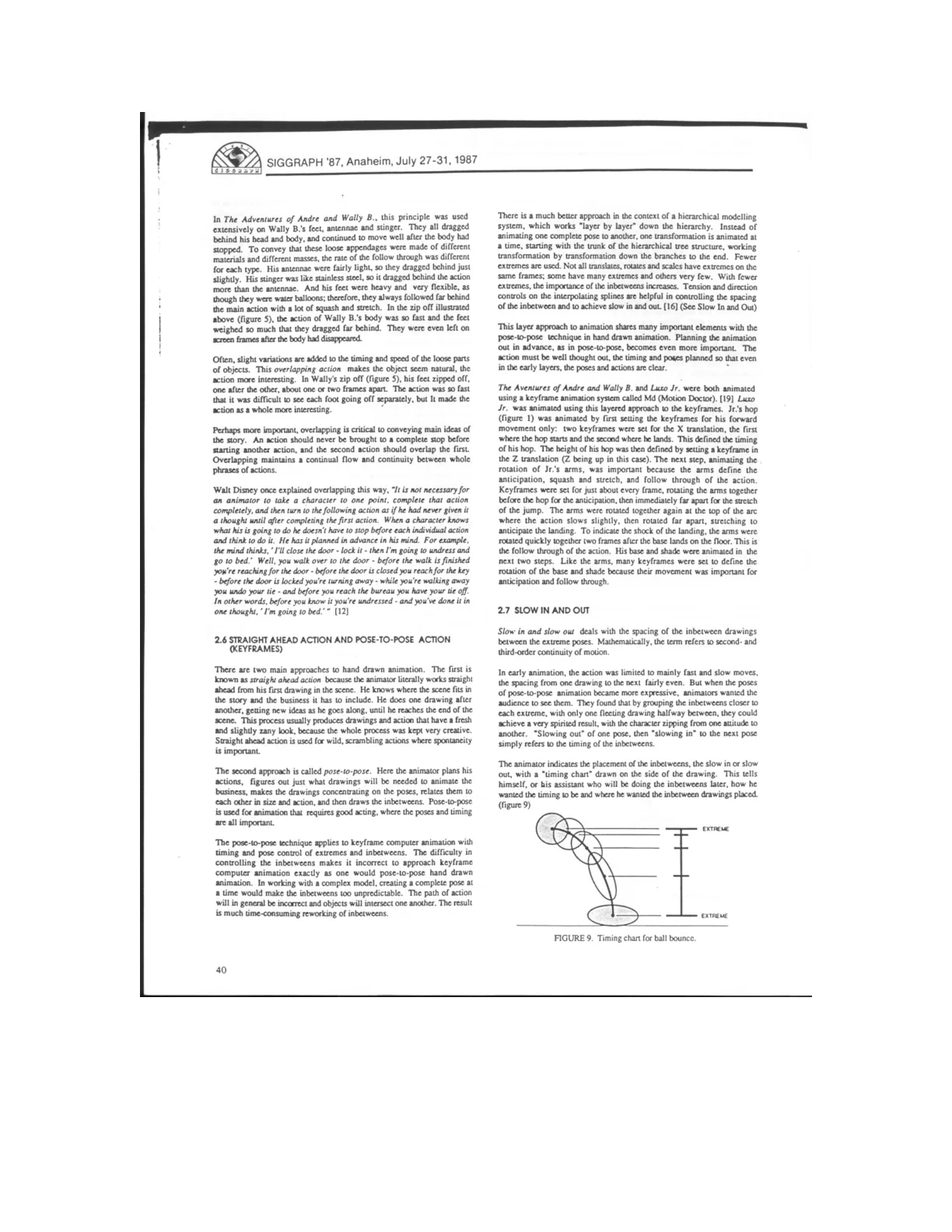
Slow in and slow out cluster inbetween drawings near extreme poses, giving audiences time to register expressive attitudes while making transitions feel lively; timing charts communicate the intended spacing.
They found that by grouping the inbetweens closer to
each extreme, with only one fleeting drawing halfway between, they could
achieve a very spirited result, with the character zipping from one attitude to
another.
Diagram
Splines, Weight, and Arcs
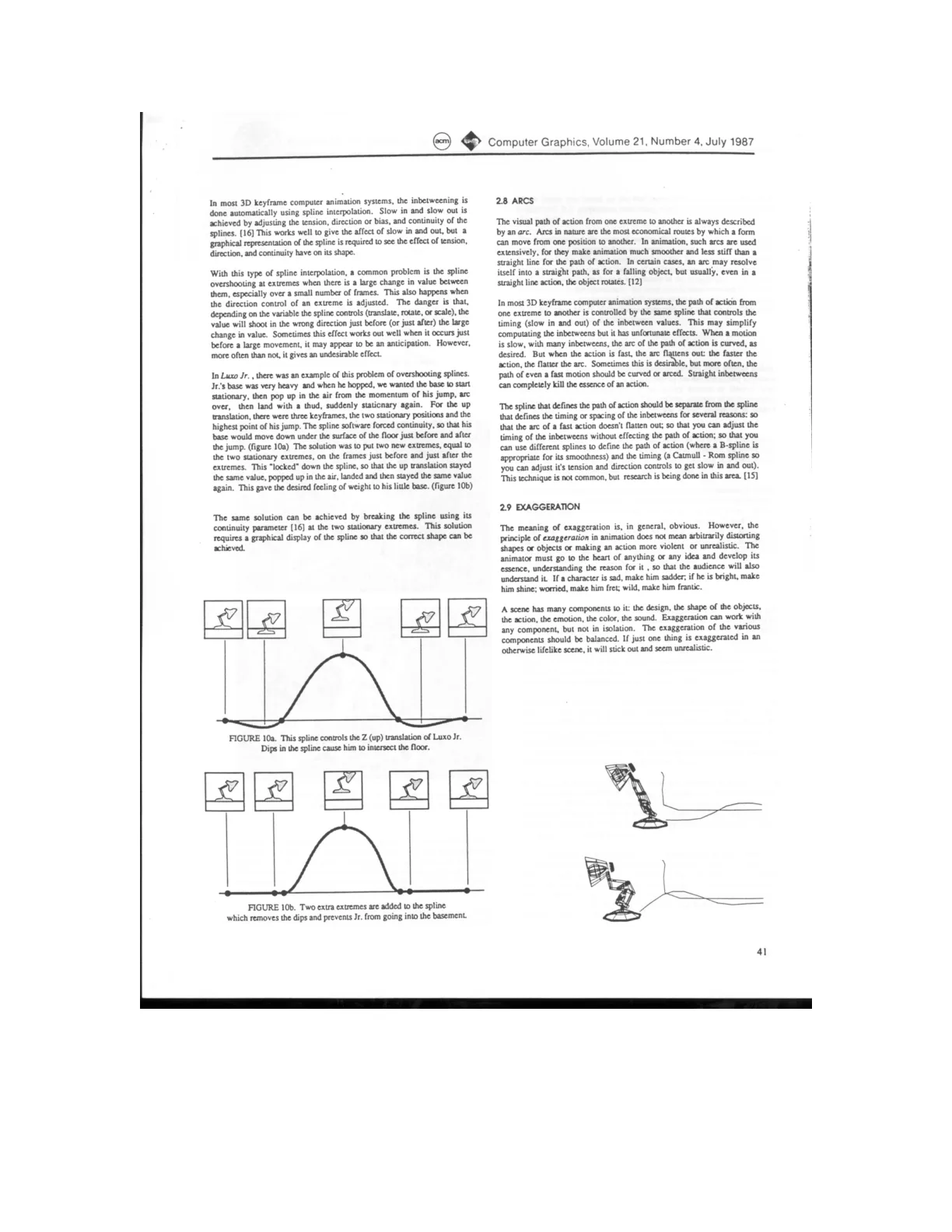
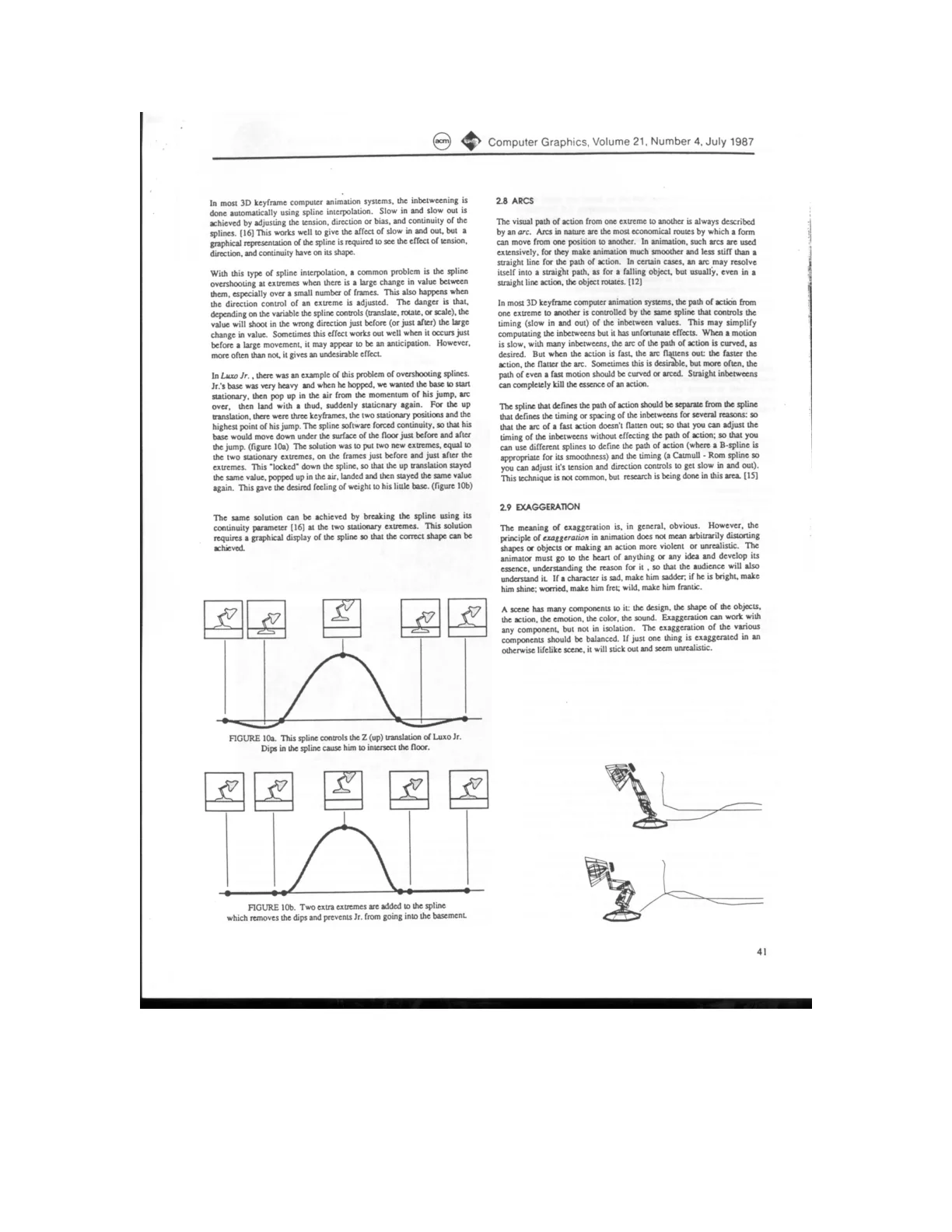
3D keyframe systems automate inbetweening with splines, whose controls create slow-in and slow-out effects; a graphical display helps animators understand and refine their shapes.
Splines can overshoot near abrupt changes, making objects move in unintended directions. Although this can occasionally resemble anticipation, it usually produces unwanted motion.
In Luxo Jr., spline continuity made the lamp’s heavy base dip beneath the floor before and after a jump. Adding matching keyframes immediately beside the stationary extremes eliminated the dips and restored a convincing sense of weight.
Breaking spline continuity at the stationary extremes offers another solution, though achieving the correct shape requires a graphical spline display.
Arced motion generally makes animation smoother and less stiff, but using the same spline for both timing and trajectory can flatten arcs during fast actions, undermining their character.
Straight inbetweens can completely kill the essence of an action.
Diagram
Exaggeration and Secondary Action
Separating motion-path splines from timing splines preserves curved trajectories during fast actions and allows timing adjustments without changing the path.
Effective exaggeration clarifies the essence of an emotion or action rather than arbitrarily distorting it; exaggeration across design, motion, color, and sound should remain balanced.
Luxo Jr. exaggerates proportions, movements, impacts, and sounds while retaining natural physics, paradoxically making the animation feel more realistic and entertaining.
Secondary actions arise directly from primary actions and add interest and realistic complexity, but must remain subordinate rather than distract from the main action.
Subtle facial changes should occur before or after major body movements so they remain visible; appeal encompasses charm, clear design, simplicity, and magnetism, not merely cuteness.
If a character is sad, make him sadder; if he is bright, make him shine; worried, make him fret; wild, make him frantic.
DiagramFigure
Appeal and Animated Personality
Appeal is the animated equivalent of an actor’s charisma; clear designs, graceful shapes, and readable movements help characters engage audiences.
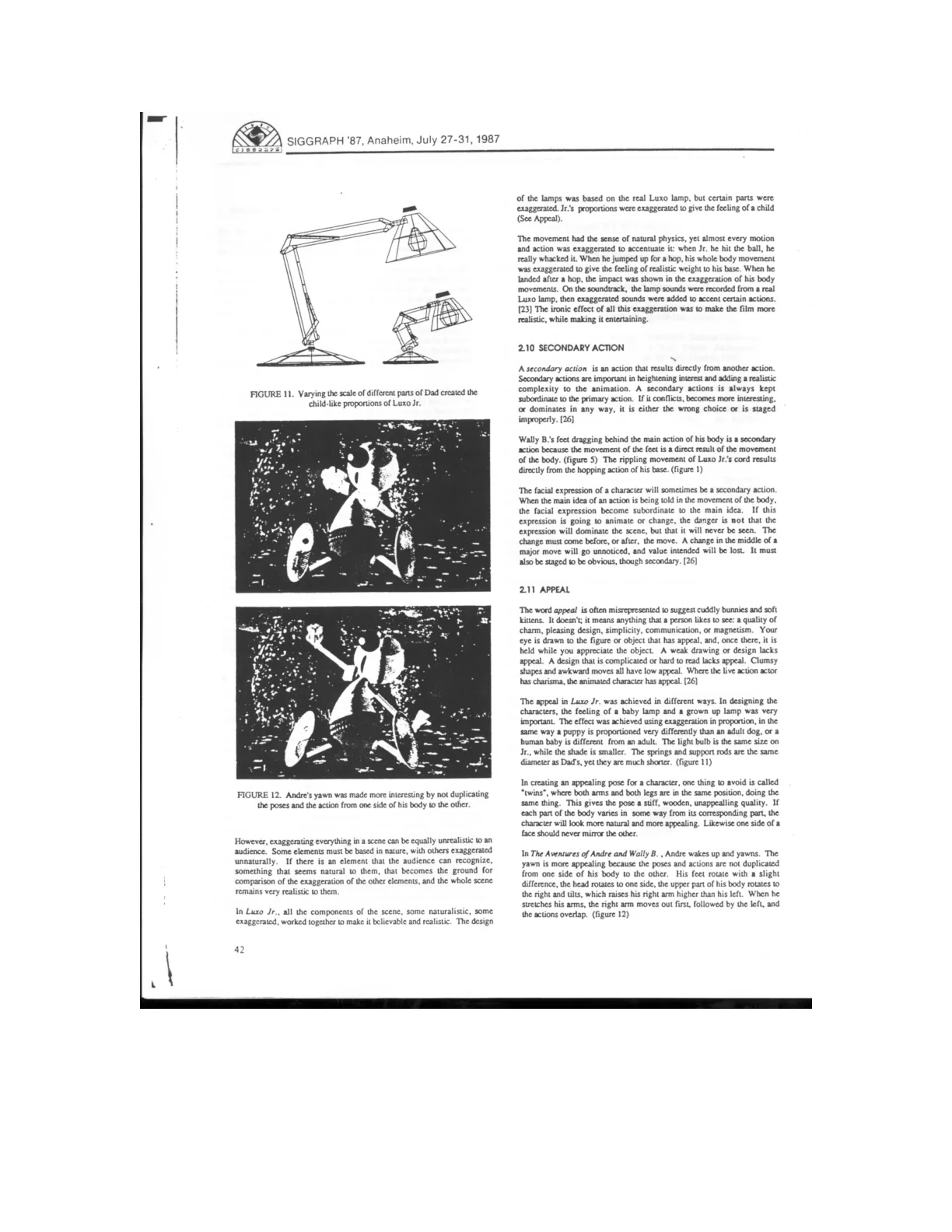
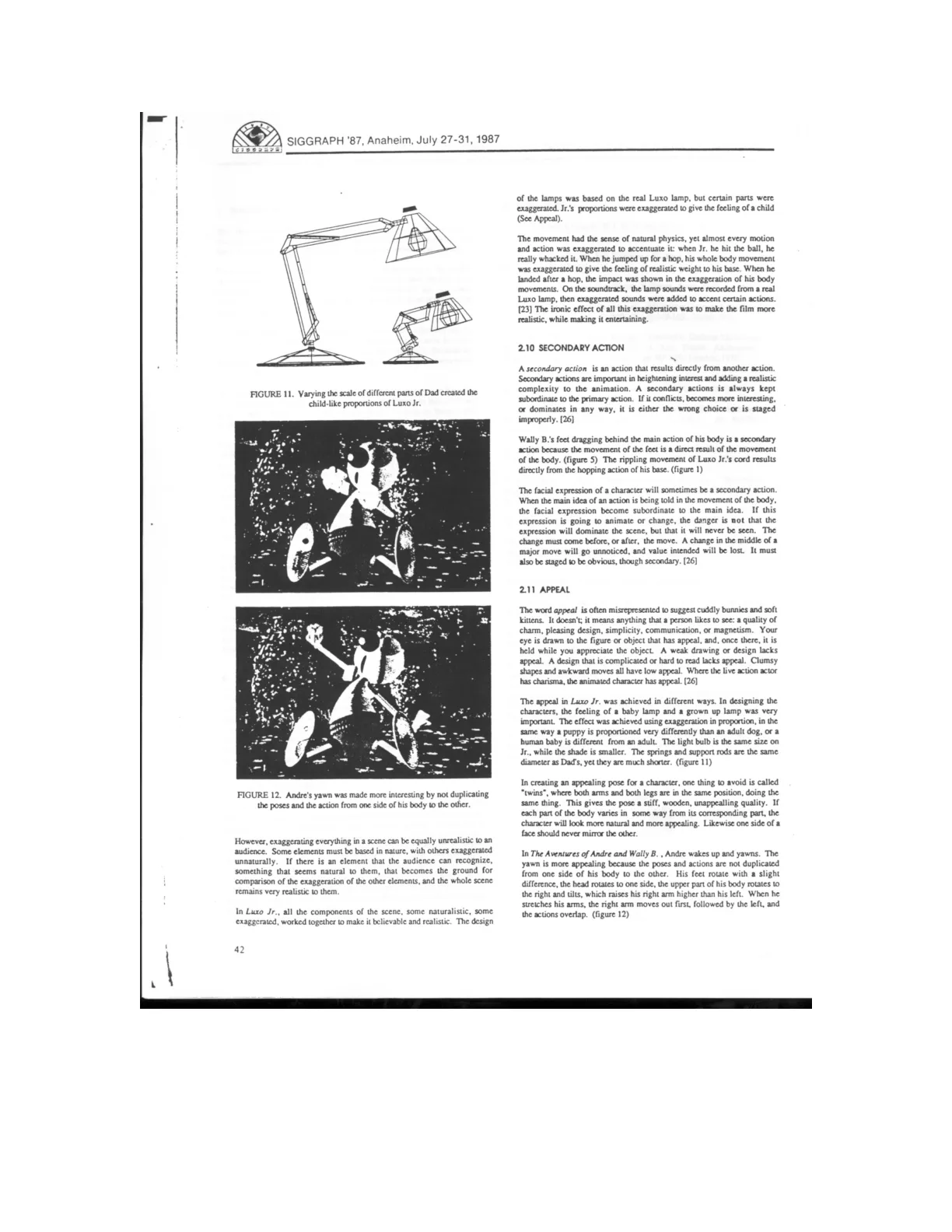
Luxo Jr.’s baby-like proportions distinguish him from the adult lamp, using exaggerated size relationships to suggest age and personality.
Asymmetrical poses and overlapping actions avoid stiff, mirrored movements, as demonstrated by Andre’s uneven, staggered yawn and stretch.
Exaggeration remains believable when balanced with recognizable natural elements that give audiences a grounding point for comparison.
Personality emerges from the intelligent application of animation principles, with character and story taking precedence over visible technique.
A character’s movements should express connected thought processes, guided from the outset by a clear understanding of personality and mood.
Without a thought process, the actions of a character are just a series of unrelated motions. With a thought process to connect them, the actions bring a character to life.
FigureDrawing
Personality Through Animated Motion
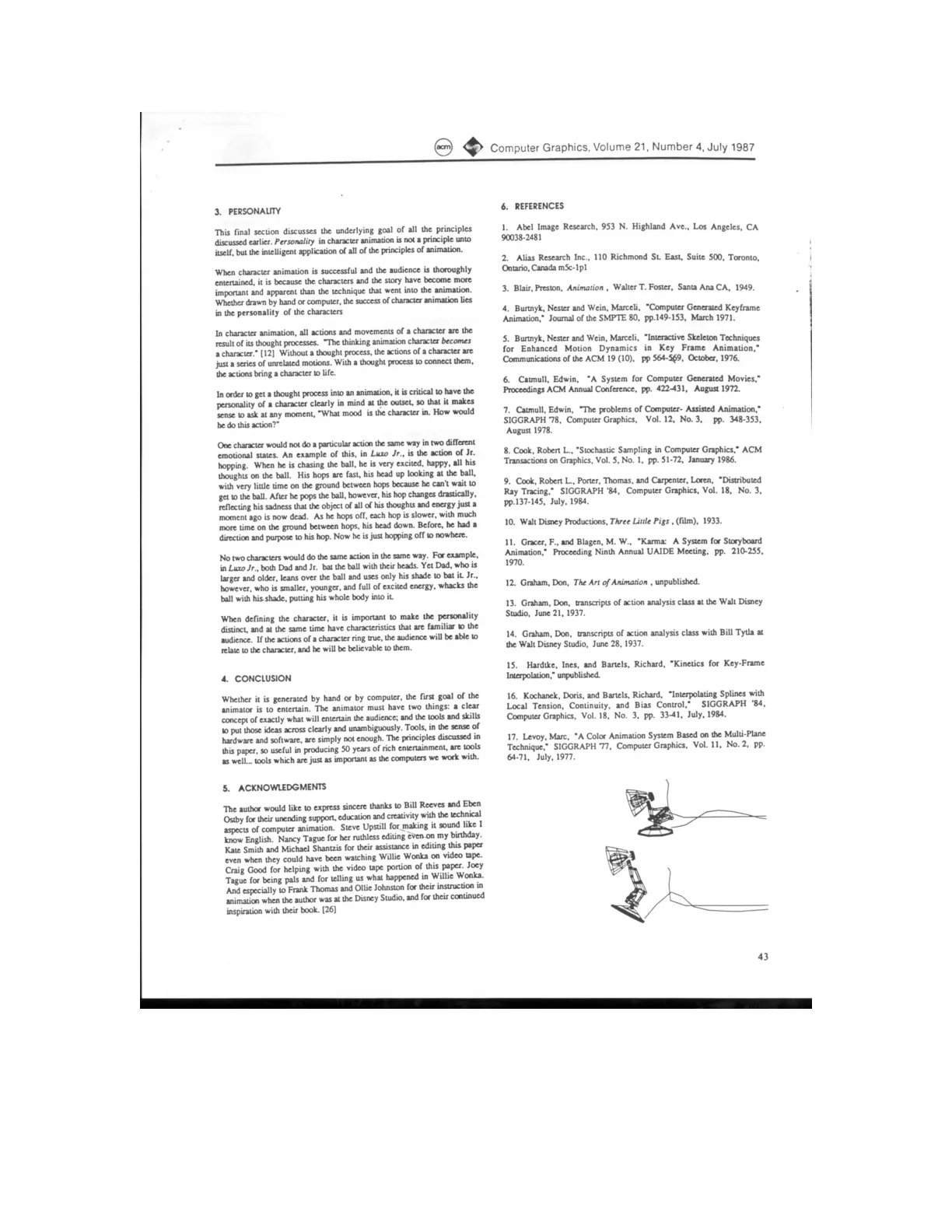
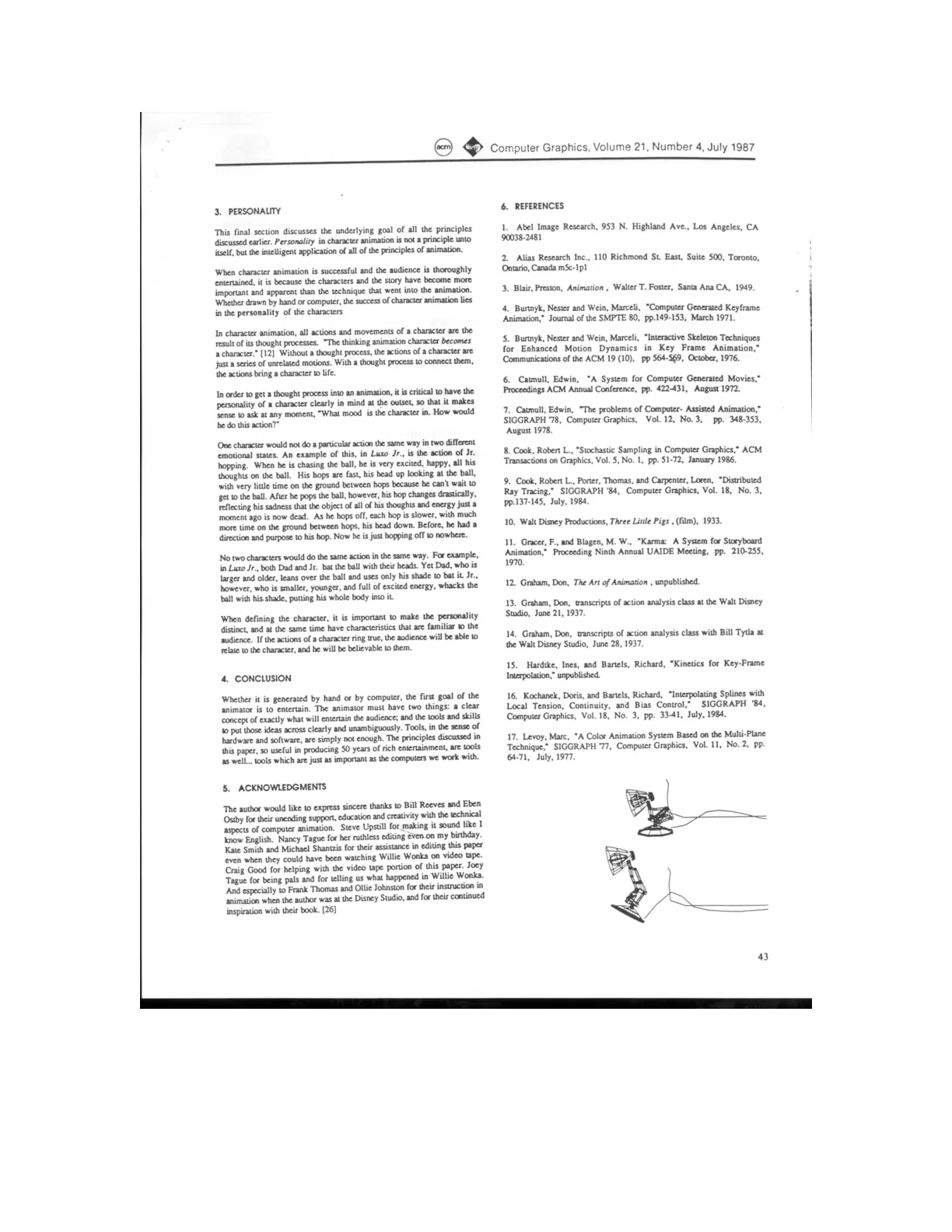
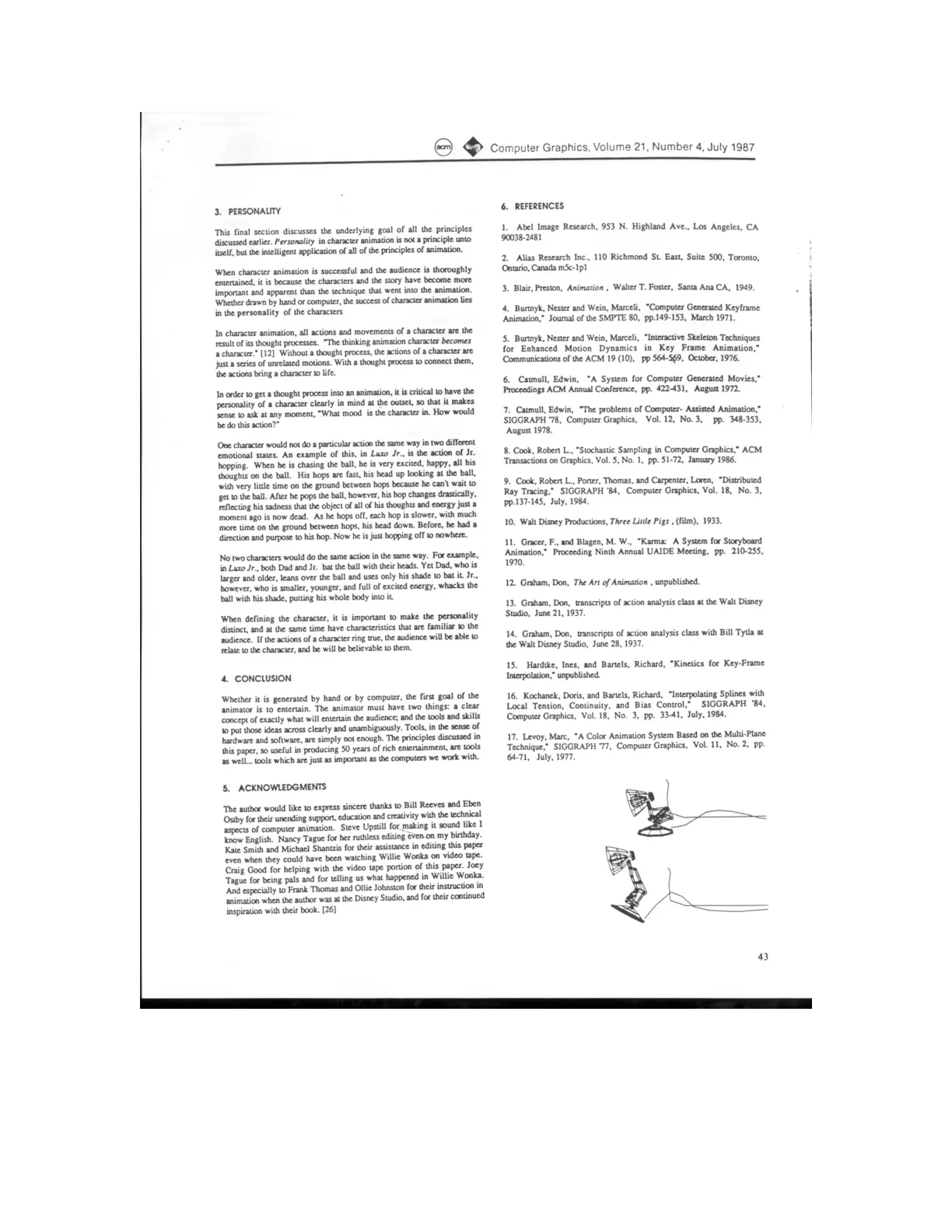
A character’s movements should change with emotional state: Luxo Jr.’s eager, rapid hopping becomes slow and dejected after he pops the ball.
Different characters should perform the same action differently; Dad bats the ball with restrained movement, while Jr. throws his whole body into it.
Believable animation combines a distinct personality with familiar, emotionally truthful behavior that audiences can recognize and relate to.
The animator’s primary goal, whether working by hand or computer, is to entertain through clear ideas and unambiguous execution.
Hardware and software alone are insufficient: traditional animation principles are essential tools, as important as the computers used to produce the work.
Before, he had a direction and purpose to his hop. Now he is just hopping off to nowhere.
Drawing
Animation Reference Bibliography
This closing bibliography lists sources spanning traditional animation practice, computer-animation research, films, software, and commercial graphics companies.
Disney-related references include Don Graham’s 1937 action-analysis classes, The Illusion of Life, and Frank Thomas’s question of whether computers can reproduce classic Disney animation.
Technical papers address storyboard animation, multiplane techniques, keyframe interpolation, spline controls, and inbetweening with moving-point constraints.
Lucasfilm and Pixar productions, including The Adventures of Andre and Wally B. and Luxo Jr., appear alongside animation software and a separate credit for Luxo Jr.’s soundtrack.
Practical books on timing and animation technique complement the technical sources, reflecting a reference base that connects artistic craft with computational tools.
Can Classic Disney Animation Be Duplicated On
The Computer?
Drawing
Kept 6 of 13 sections, 3 of 21 figures.
Traditional Principles, Digital Animation
The emergence of reliable, user-friendly keyframe systems made computer animation more accessible, but also increased the potential for poor-quality work.
The author argues that traditional animation principles are essential to good 3D character animation and should inform both animators and software designers.
Unfortunately, these systems will also enable people to produce
more bad computer animation.
Timing Shapes Animated Meaning
Timing communicates emotion and intent: the same two head poses can suggest a violent impact, a nervous twitch, a command, curiosity, or thoughtful appraisal simply by changing the number of inbetween drawings.
Anticipation is introduced as the preparation phase of an action, preceding the action itself and its termination.
No matter how well rendered a cannonball may be, it does not
look like a cannonball if it does not behave like one when animated.
Anticipation and Clear Staging
The animator is saying, in effect, "Look at this,
now look at this, and now look at this."
Layered Animation and Timing
Luxo Jr.’s hop was built in stages: horizontal movement established timing, vertical movement established height, and detailed arm, base, and shade rotations supplied anticipation, squash and stretch, and follow-through.
Slow in and slow out cluster inbetween drawings near extreme poses, giving audiences time to register expressive attitudes while making transitions feel lively; timing charts communicate the intended spacing.
They found that by grouping the inbetweens closer to
each extreme, with only one fleeting drawing halfway between, they could
achieve a very spirited result, with the character zipping from one attitude to
another.
Exaggeration and Secondary Action
If a character is sad, make him sadder; if he is bright, make him shine; worried, make him fret; wild, make him frantic.
Personality Through Animated Motion
A character’s movements should change with emotional state: Luxo Jr.’s eager, rapid hopping becomes slow and dejected after he pops the ball.
Believable animation combines a distinct personality with familiar, emotionally truthful behavior that audiences can recognize and relate to.
Before, he had a direction and purpose to his hop. Now he is just hopping off to nowhere.